API pricing · Reporting
Hugging Face on Google Cloud billing: what actually moves?
A Google Cloud Marketplace link can move an organization’s Hugging Face charges, but not every API request. Check the payer, activation date and provider keys first.
First identify the account paying for the request
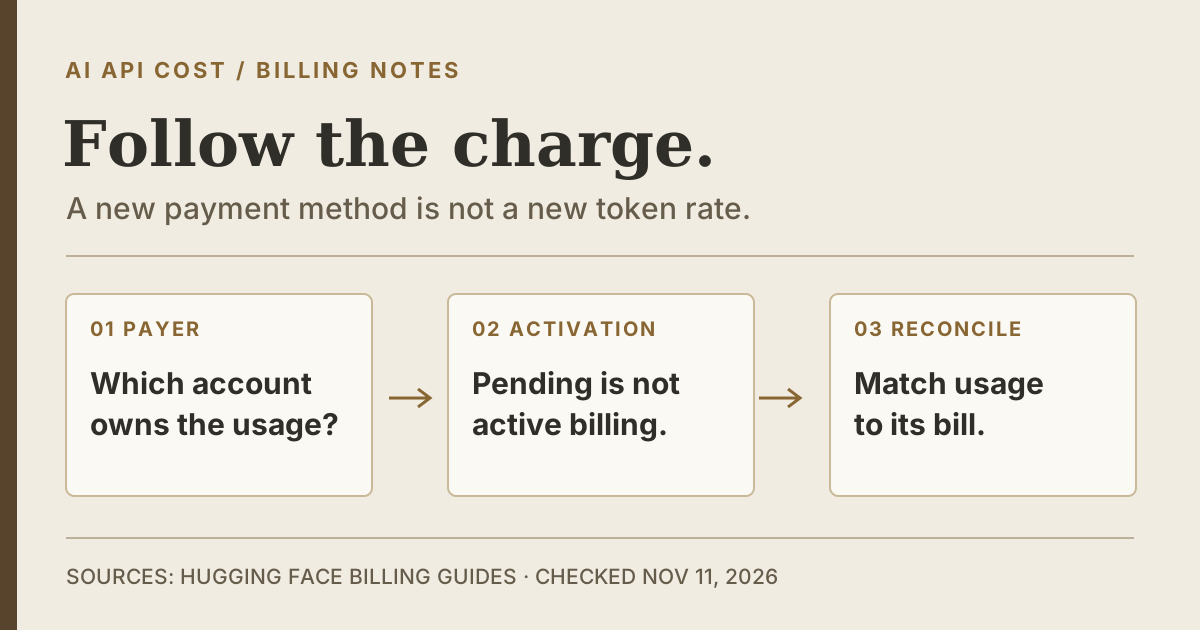
Hugging Face’s November 10 walkthrough explains how an organization can pay through Google Cloud Marketplace instead of a credit card. The listed coverage includes subscriptions, compute and storage at public Hugging Face prices. This offers another payment path to evaluate, not evidence of a lower token rate or that every model request will run on Google infrastructure.
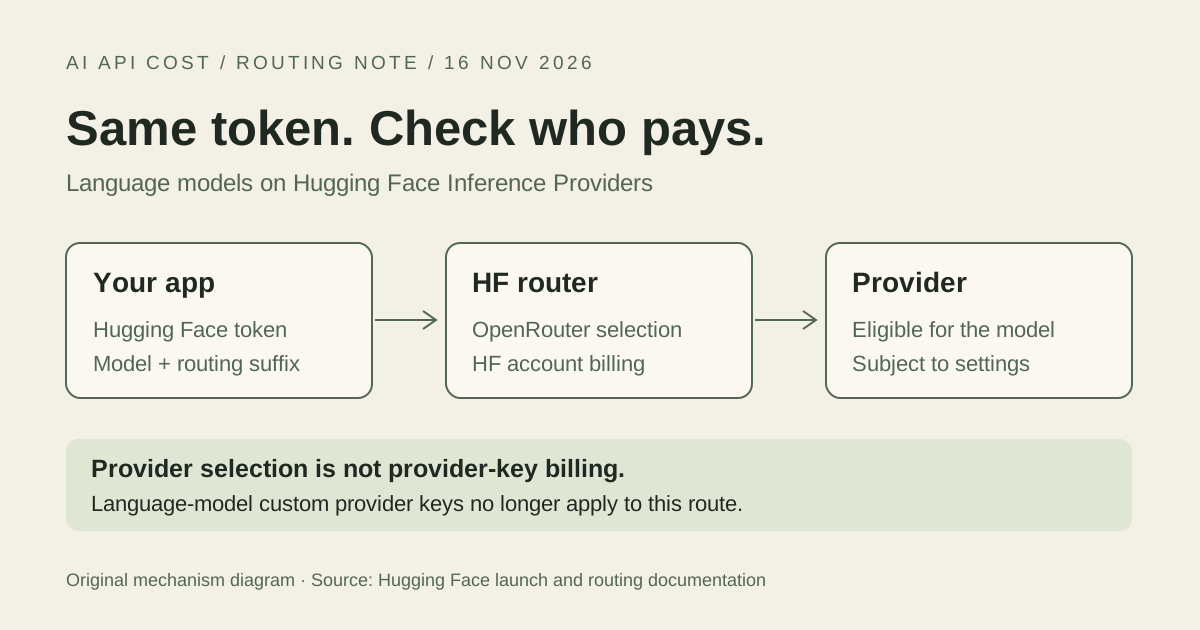
Marketplace billing is for organizations, not personal accounts. For Team or Enterprise Inference Providers usage, HF documents an explicit organization payer: bill_to in the Python InferenceClient, or X-HF-Bill-To in an HTTP request. Merely belonging to an organization is not the same as selecting it for billing. Update, November 17: HF's November 16 OpenRouter launch removed custom provider keys for language-model requests on Inference Providers; those calls now bill the HF account or organization. Custom keys for image and video providers remain supported and their provider charges stay separate.
Which API charges belong to the linked organization?
Scroll sideways to read all columns.
| Request or account state | Billing path | What to verify |
|---|---|---|
| HF-routed, billed to linked organization | Organization’s active payment method | Correct organization and active marketplace status |
| HF-routed, billed to personal account | Personal HF billing | Do not assume org membership selects the payer |
| Supported custom key (image/video) | Provider bills directly | Reconcile the provider’s bill separately |
| Marketplace subscription pending | Organization’s existing payment method, if any | Approval and effective switch date |
Pending is not the cutover date
After the marketplace order is linked to an HF organization, the payment method initially shows as pending. HF reviews the subscription before paid usage starts flowing through it. During that wait, usage remains on the organization’s existing payment method, if one is present. An existing card-paying organization switches at the beginning of its next billing period after approval; a free organization without a card usually switches immediately after approval.
For a migration, record the organization, Google billing account, approval notice and effective billing-period boundary. Keep the old payment records until you can assign each usage period to the right payer. Once marketplace billing is active, HF says adding credits is unavailable because usage is metered and reported to the cloud provider instead. Do not treat that as a general promise that Google promotional credits will cover the purchase.
Reconcile the first bill by product and period
Google’s Your Orders page lets you find the SaaS purchase under the selected billing account and open its billing report. Match that order with the active HF organization payment method before investigating missing API charges. Then inspect the organization’s Inference Providers usage by model and provider, and keep image or video calls made with supported custom provider keys in a separate ledger.
Check the actual billing documents rather than expecting one universal invoice: Google documents split invoicing for some marketplace transaction models and payment-profile locations. Compare the underlying usage periods, billed accounts and products before comparing totals. If a charge appears absent, first ask whether it belonged to a personal account, a supported image or video custom provider key or the period before activation. That is a more useful starting point than repeating the subscription process and risking a second order.
Sources & verification
Provider documentation supports the facts referenced below. Our explanations and recommendations are editorial interpretation.
- Hugging Face: Pay for Hugging Face Hub with your Google Cloud Account ↗Checked Nov 17, 2026
- Hugging Face Hub: Billing and cloud marketplace payment methods ↗Checked Nov 17, 2026
- Hugging Face Inference Providers: Pricing and Billing ↗Checked Nov 17, 2026
- Google Cloud: Managing billing for Cloud Marketplace products ↗Checked Nov 17, 2026
- Google Cloud Marketplace: Transaction models ↗Checked Nov 17, 2026
- Hugging Face and OpenRouter join forces ↗Checked Nov 17, 2026
Corrections: hello@aiapicost.com